
CMS STYLE GUIDE 2026
FONTS AVAILABLE
Font Weight 400 = Regular
Font Weight 500 = Medium
Font Weight 600 = Bold
Heading Large
class=cms-heading-large
Heading Standard
class=cms-heading-standard
paragraph standard class=cms-p
Button container = p tag class=cms-p-button
Corner rounding: put class on the column = cms-rounding-a
LIGHT VERSION: add class of cms-light-text to the parent
HORIZONTAL ALIGNMENT: do at parent level
Heading Large
class=cms-heading-large
Heading Standard
class=cms-heading-standard
paragraph standard class=cms-p
Button container = p tag class=cms-p-button
Corner rounding: put class on the column = cms-rounding-a
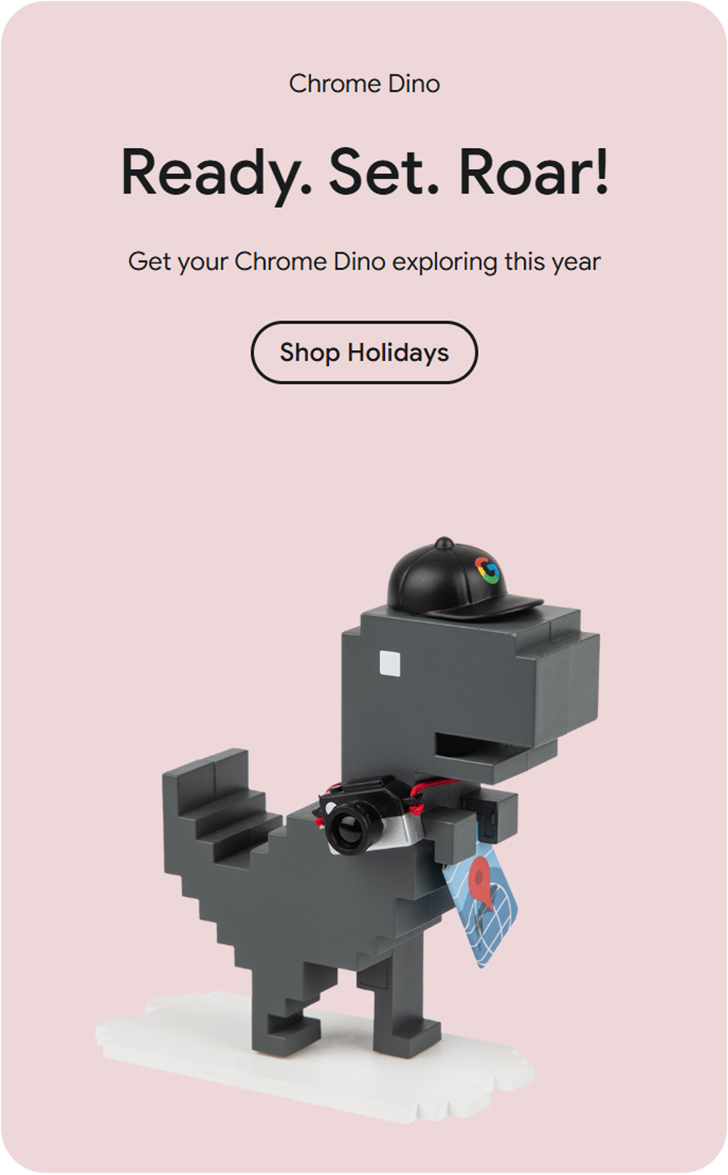
Product Cell, 2 or 3 per row
Put background colour and 2 classes on column = cms-productcell cms-rounding-a
cms-productcell: forces text to the top and image to the bottom
Text in an html with class of cms-productcell-textarea creates the padding and alignment
Text items use the standard text styles described above
3 column row, image = 1000px square (same size as standard product images)
2 column row, image = 1000wide 800high (otherwise will be too large)

